How to Get Started with Your PADI eLearning
Congratulations on signing up for your PADI course – your underwater adventure is about to begin!
This guide walks you through accessing and completing your PADI Online Learning step by step so that you can arrive confident and ready for the water.
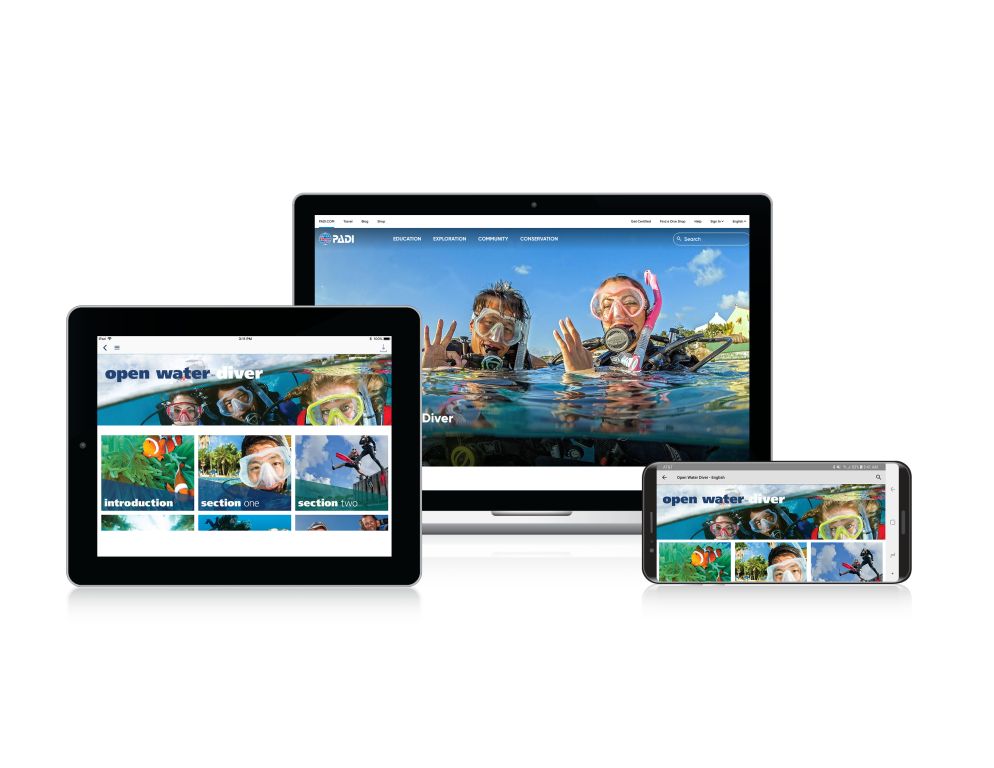
Step 1 – Find the PADI
“Get Started” Email
After you sign up for your course with us, you will receive a PADI Online Learning (eLearning) email within 2 working days.
What to look for:
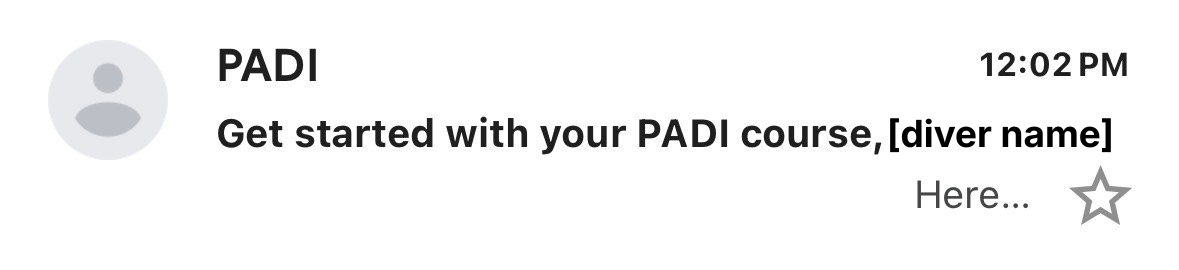
- Sender: PADI
- Subject: Get started with your PADI course
- A blue “Start Course” button inside the email (scroll down)
Tip: If you don’t see the email, please check your junk/spam folder as automated emails sometimes end up there.
Still nothing after 2 working days?
Let us know, and we’ll sort it quickly.
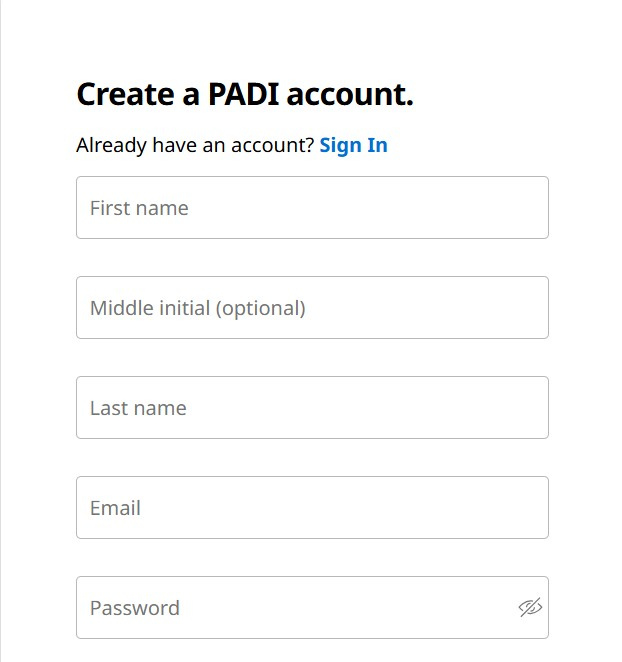
Step 2 – Create Your PADI Account (Website Recommended)
You can complete your eLearning on:
- A computer (via the PADI website)
- A phone or tablet (via the PADI App)
We recommend setting up your account on a computer first; it’s often smoother.
On the Website:
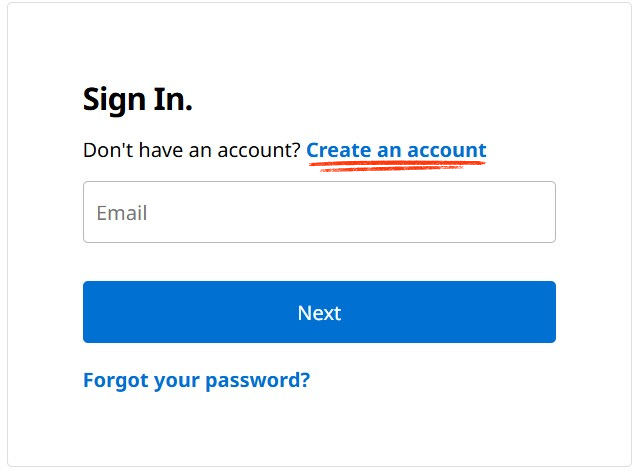
- Once you click the Start Course button in your email
- You’ll arrive at: www.padi.com
- Click Log In (top right)
- Select Create Account
- Register using the same email address you used to book your course
Using the PADI App (Optional)
- Download the PADI App from the App Store or Google Play
- Tap Log In
- Select Create Account
- Register using the same email address you used to book the course
Once your account is created, your course will appear automatically in your library.

Step 3 – Access Your Course
Once logged in, finding your course is easy.
On the PADI Website:
- Log in to your account at www.padi.com
- Click on your profile
- Select My Library or eLearning
On the PADI App:
- Open the app and log in
- Tap the Library at the bottom of the screen
- Your course will appear there, ready to start
You’ll see your course listed (e.g. Open Water Diver, Advanced Open Water, Enriched Air Nitrox) along with your progress tracker.
Step 4 – Completing Your eLearning
Work through the modules in order:
- Read the content
- Watch the videos
- Complete the knowledge checks
- Finish the section reviews
You can pause at any time — your progress saves automatically.
We strongly recommend completing all eLearning before your first practical session. It makes your pool and open water training smoother, more enjoyable, and far less rushed.
Turn up prepared. It makes a difference.

Step 5 – If You Get Stuck
Technical issues happen. Forgotten passwords happen.
Simply contact us, and we’ll happily guide you through it.